



Copy iPhone contacts: Tips for using AirDrop quickly and efficiently.
Copy iPhone contacts Upgrading to a new phone is one of the most essential needs. Within the Apple ecosystem, data transfer is always optimized to provide a seamless user experience. Whether you’re switching from an old device to a new one or simply want to quickly share your phone number with friends, mastering synchronization techniques will save you a lot of time and prevent the loss of valuable contact information.
Why should you use AirDrop to share your contacts?
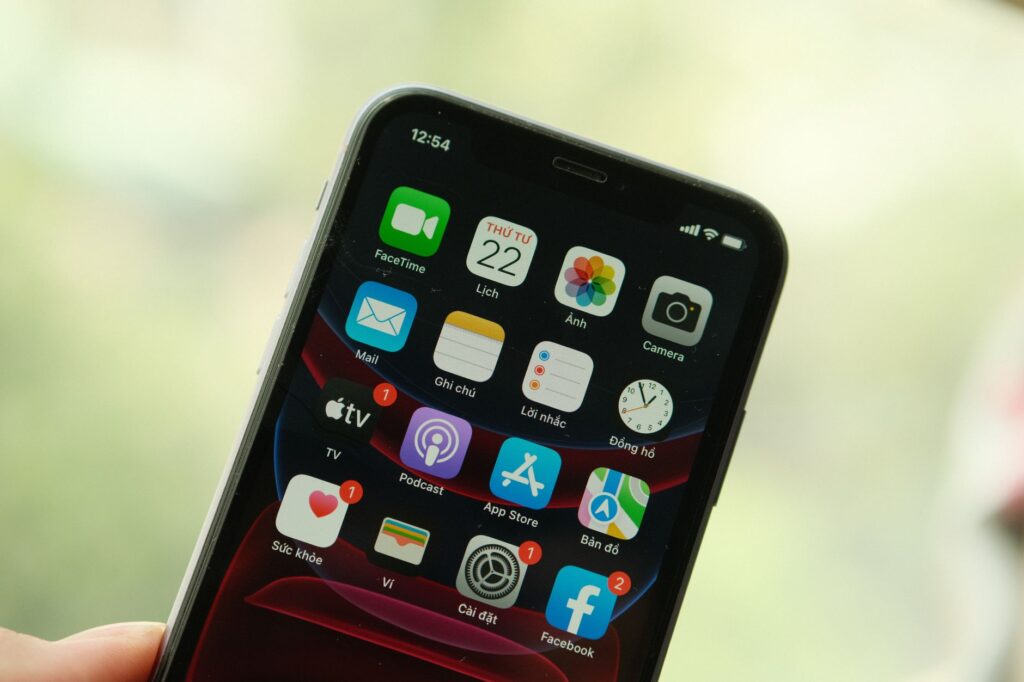
AirDrop has long been considered the \”secret weapon\” of iOS users. Instead of relying on third-party apps or complex cloud storage services, Tips for using AirDrop to sync This data transfer allows you to instantly transfer contacts (or any other information) via Bluetooth and Wi-Fi connections directly between two devices.
The biggest advantage of AirDrop is its incredibly fast speed and lack of data quality degradation. Importantly, you don’t need to log in to your Apple ID on both devices if you only want to share a few specific contacts. This is a perfect solution when you need to send contacts to family or friends on the spot.
Instructions on how to transfer contacts using AirDrop
To share your contacts via AirDrop, simply follow these easy steps:
1. Turn on AirDrop on both devices: Swipe down from the top right corner of the screen (for iPhone X and later) to open Control Center. Press and hold the connection area, select AirDrop, and set it to \”Everyone\” to ensure your device can receive files.
2. Select the contacts you want to share: Access the Contacts app on your iPhone and find the phone number you want to send the message to.
3. Execute the sharing command: Tap on \”Share Contact\”. A menu will appear; tap the AirDrop icon.
4. Confirm: Select the receiving device and press \”Accept\” on the other device. The data will be immediately transferred and automatically saved to the recipient device’s contacts.
Comprehensive iOS data transfer: Alternatives
If you are in the process Transfer your phone number to a new iPhone. With a large number of numbers (hundreds or thousands), using AirDrop one by one would be quite inconvenient. In this case, you need more comprehensive synchronization methods to move all your data in a single operation.
1. Sync via iCloud
This is the most common way to Upload your contacts to iCloud and ensure all your data is always safe in the cloud.
– On older iPhones: Go to Settings >[Tên của bạn]> iCloud > Toggle on \”Contacts\”.
– On the new iPhone: Log in with the same Apple ID and enable the same feature. Your contacts will automatically transfer to the new device after a few minutes.
2. Use the \”Transfer iOS Data\” (Quick Start) feature.
This is the most professional way to unbox a new phone. When you place the two iPhones side-by-side during the initial setup, Apple will display a \”Set up new iPhone\” message. Simply follow the on-screen instructions, and the device will automatically copy all your data, including contacts, messages, photos, and settings, from your old device to the new one without any manual intervention.
Important notes for protecting personal data.
Regardless of the matter iOS data transfer Although it has become very easy now, users still need to keep in mind a few important points:
Security: Always be cautious when using AirDrop in public. Switch AirDrop to \”Contacts Only\” after you’ve finished your task to avoid receiving files from strangers.
Check your account: Make sure you have logged out of or fully backed up all information on your old device before handing it over to someone else.
* Network connection: For the iCloud method, ensure both devices are connected to a stable Wi-Fi network to prevent interruptions during uploads and downloads.
Mastering contact transfer techniques not only gives you more flexibility in managing your data but also ensures that important connections in your life and work are maintained throughout. Hopefully, with the above information, you can confidently transfer data between iPhone devices quickly and efficiently.
