


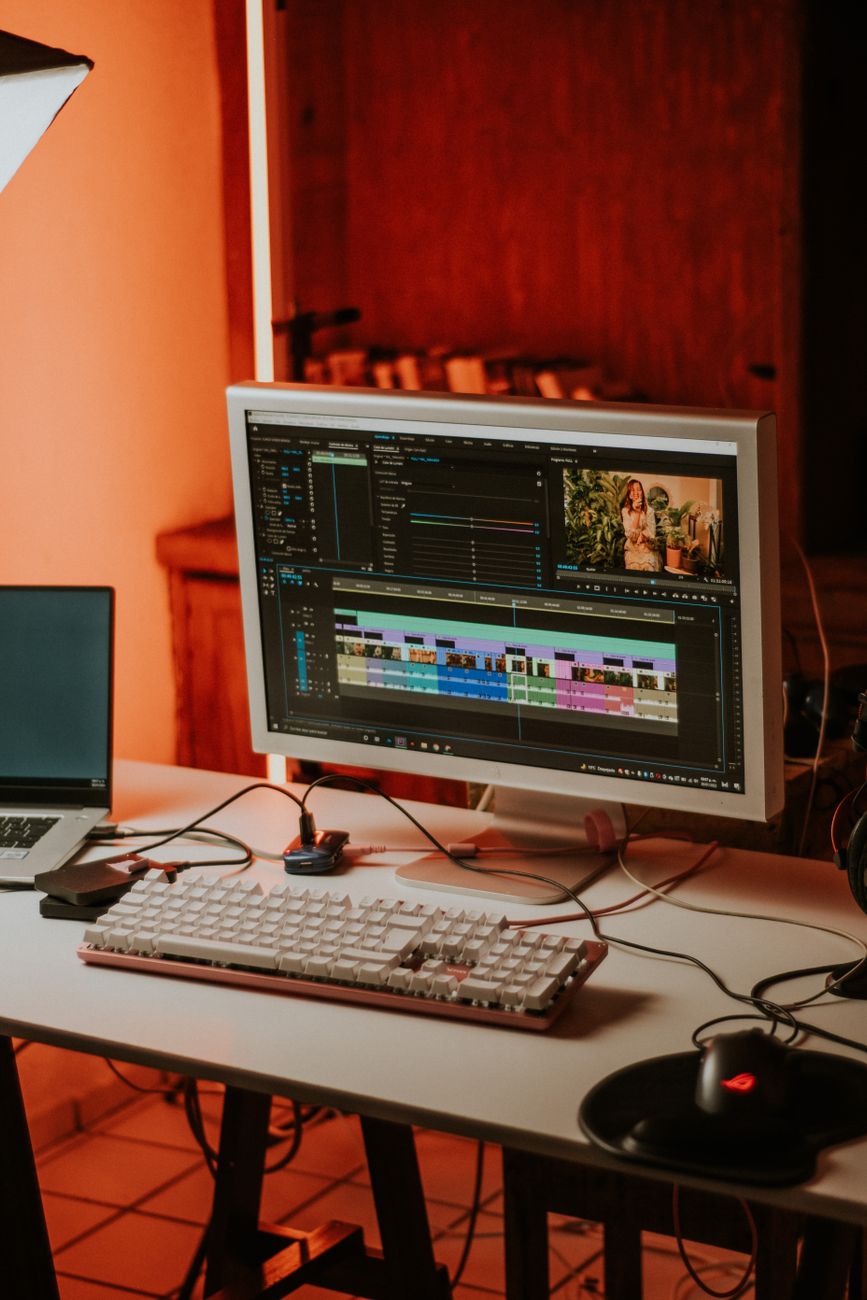
Secrets to professional video editing with CapCut on your computer.
Make videos using CapCut CapCut PC is currently becoming a leading trend for both beginners and professional content creators. Previously, video editing on a computer was often associated with complex software requiring advanced expertise, such as Adobe Premiere or DaVinci Resolve. However, the emergence of CapCut PC has completely changed the game. With its intuitive interface, vast resource library, and smooth processing capabilities, this tool is the perfect choice for realizing your unique video ideas right on your personal device.
Why should you choose CapCut as your top video editing software?
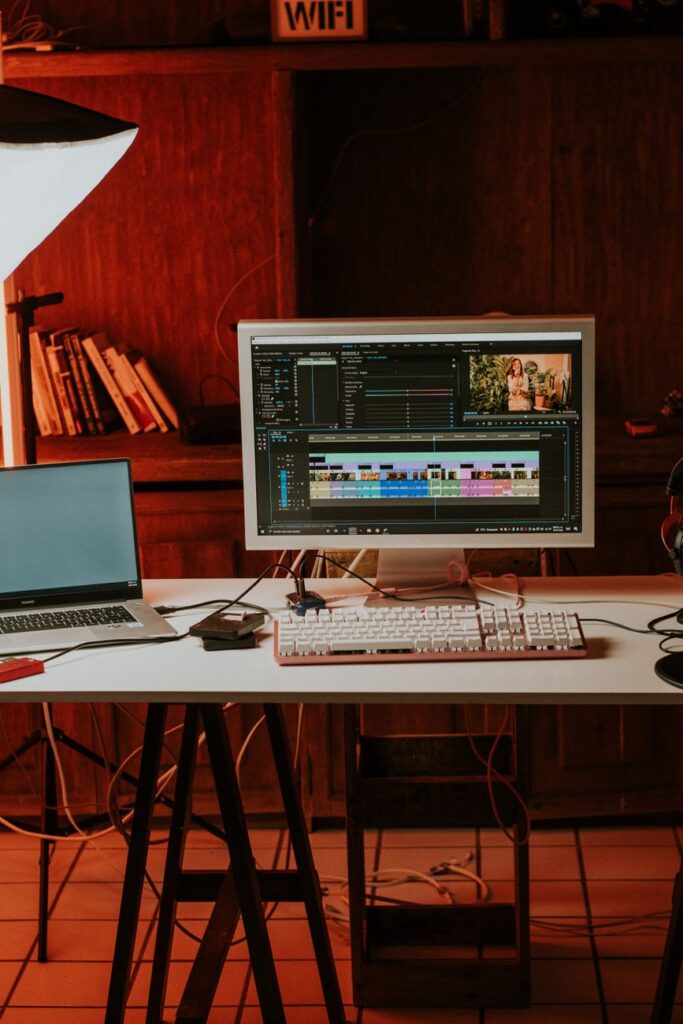
Making the right choice video editing software CapCut plays a crucial role in the performance and quality of the final product. It’s not simply a mobile application ported to a computer; it’s optimized to take full advantage of PC hardware power, making video editing significantly faster and more stable.
CapCut’s biggest advantage lies in its \”democratization\” of technology. You don’t need to spend months getting familiar with complex color palettes or rendering processes. All features, from basic cutting and pasting, adding transition effects, inserting music, to advanced tools like AI background removal and color grading, are clearly displayed through easy-to-understand icons. This is especially useful for those who are just starting out. Learn PC video editingThis is a great \”stepping stone\” to help you understand modeling concepts before moving on to more professional software.
How to optimize performance when using CapCut on PC
For the creative process to run as smoothly as possible, it’s essential to master a few key elements. computer tips When working with this software, it’s crucial to have the right skills. Many users frequently experience lag or freezing when processing 4K videos. To fix this, you can follow these steps:
Clear the cache: CapCut often stores temporary files during the editing process. Regularly access the settings and clear the cache to free up hard drive space.
Setting up a Proxy: This is an extremely useful feature that helps create lower-resolution video copies for editing, allowing for smoother operation without affecting the final output video quality.
* Use keyboard shortcuts: Take the time to memorize keyboard shortcuts like Ctrl+B (split video) and Ctrl+Z (undo). Mastering these shortcuts will significantly shorten your video editing time.
Must-have features on CapCut for PC
Once the installation is successful CapCut on PCTo fully utilize the application’s vast library, unlike traditional software that requires you to search for resources externally, CapCut provides thousands of copyrighted sound effects, background music, animated stickers, and eye-catching color filters.
A special feature that people Learn PC video editing The key feature to note is \”Auto Captions.\” With just one click, the software will recognize your voice and generate extremely accurate subtitles. This saves hours of manual work and makes your videos look more professional to viewers.
A learning roadmap for PC video editing with CapCut for beginners.
If you’re a beginner and feeling overwhelmed, follow this step-by-step guide:
1. Familiarize yourself with the interface: Learn the location of the toolbars, timeline, preview screen, and properties inspector.
2. Basic cutting and grafting techniques: Focus on selecting the most valuable video clips, removing unnecessary parts, and creating a seamless content flow.
3. Mastering sound and rhythm: Use the \”Beat\” feature to place markers on the background music, thereby aligning the video to the beat. This is the secret to making your video more professional and catchy.
4. Smart file export: Learn about bitrate, resolution, and file formats (MP4, MOV) to ensure your videos are as sharp as possible when uploaded to Facebook, YouTube, or TikTok.
In short, the Make videos using CapCut It’s not just about editing images; it’s about telling a story through the language of cinema. With the powerful support of the PC version, you can create million-view masterpieces right from your desk. Start your creative journey today, because with modern technology, the only barrier between you and a top-notch film is consistent practice!
