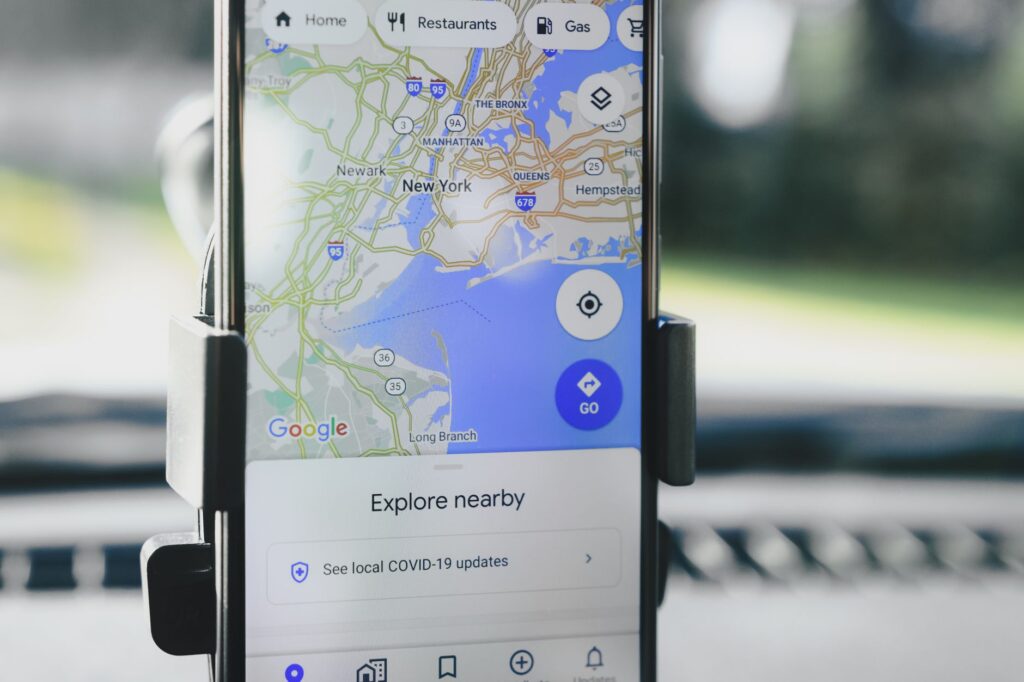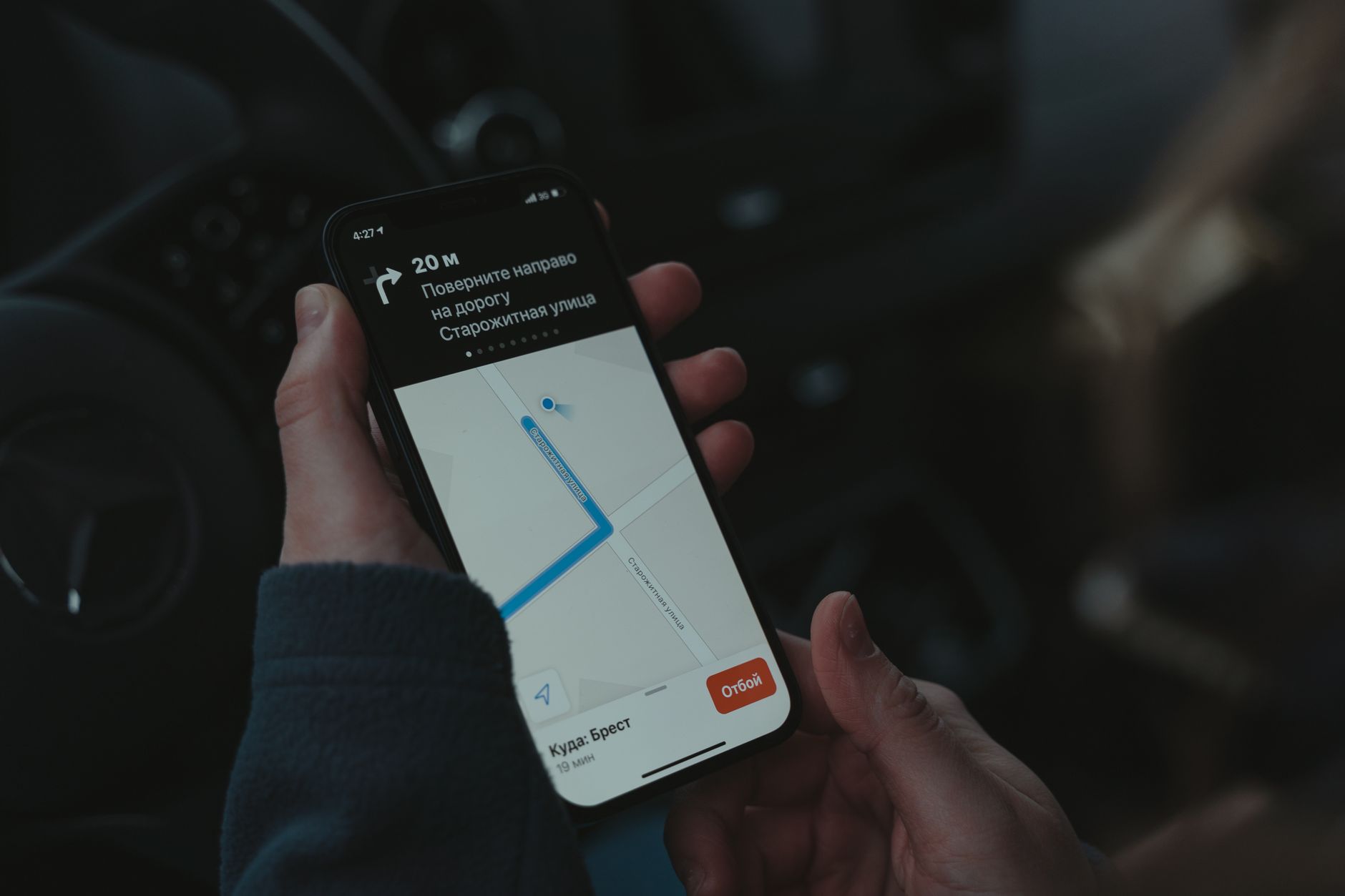
Detailed instructions on how to find directions using Google Maps when offline.
How to find directions using Google Maps when you don’t have internet access. This is one of the most important digital survival skills any travel enthusiast should possess. On long trips, losing phone signal or running out of mobile data is unavoidable. If you’re in a remote mountainous area or an unfamiliar city without internet access, don’t panic. With just a few simple steps before departure, you can completely control your journey without 4G or Wi-Fi.
Why do you need to download offline maps?
In the digital age, relying on internet connectivity for navigation is a hard habit to break. However, travel technology tips This not only helps you save data but is also a lifesaver in emergency situations. When downloading… offline mapGoogle Maps stores location data, addresses, and information about places in a specific area in your phone’s memory. This allows you to still search for places, view driving directions, and identify nearby landmarks even when your device is completely offline.
Steps to download offline maps for backup
To begin, you need to download data while you still have an internet connection (preferably Wi-Fi to avoid using up your data plan). The procedure is as follows:
1. Open the Google Maps app on your phone.
2. Log in to your Google account.
3. Search for the location or city you plan to visit (e.g., \”Da Lat\”).
4. At the bottom, tap the name or address of the place.
5. Click the \”Download\” button. If you don’t see this button, click the three-dot icon in the upper right corner and select \”Download offline map\”.
6. Adjust the map area you want to save by zooming in/out, then press \”Download\” again.
Note that offline maps have storage and time limits (they usually update automatically if your device is connected to Wi-Fi). Choose important areas to optimize your device’s memory usage.
The most effective way to find your way using Google Maps when you don’t have internet access.
After the data has finished loading, if you lose your internet connection, simply open Google Maps as usual. The only difference is that the app will not be able to display real-time traffic conditions or the latest updated public transport routes. However, for navigation by motorbike or private car, the directions are still highly accurate.
Travel route finding tips The important thing here is to always check your battery level. When using offline maps in combination with GPS, your phone’s battery can drain faster. Carry a power bank and set your screen brightness to a reasonable level to maintain battery life throughout your journey.
Limitations to note when using offline maps.
Although this is an extremely useful solution, you still need to keep in mind some of its limitations. how to use a map In offline mode:
No traffic information available: You will not receive alerts about traffic jams, accidents, or route changes due to ongoing construction.
Restrict public transportation: Google Maps offline typically works best for personal vehicles (cars, motorcycles). If you’re traveling by bus or train, offline data may not be accurate regarding time.
* No details needed: You might not find reviews, phone numbers, or detailed opening hours for a restaurant if that data isn’t included in the map package you downloaded.
Final advice for long trips
To make the trip perfect, in addition to mastering the… travel technology tips In addition to the above, you should also incorporate traditional backup methods. A paper map in your car trunk or noting down important landmarks in a notebook is never a bad idea..
Mastering Google Maps isn’t just about understanding the technology; it’s about proactively preparing for any situation. With thorough preparation, you can confidently explore new lands and enjoy the beauty of nature without worrying about getting lost. Start applying this to your next trip and experience the difference!